// How to have everything you need just a click away
On this page, we have all the information you need to manage your existing reservations or add new ones if the customer doesn’t make them directly through the portal but through other channels (for example, by phone).
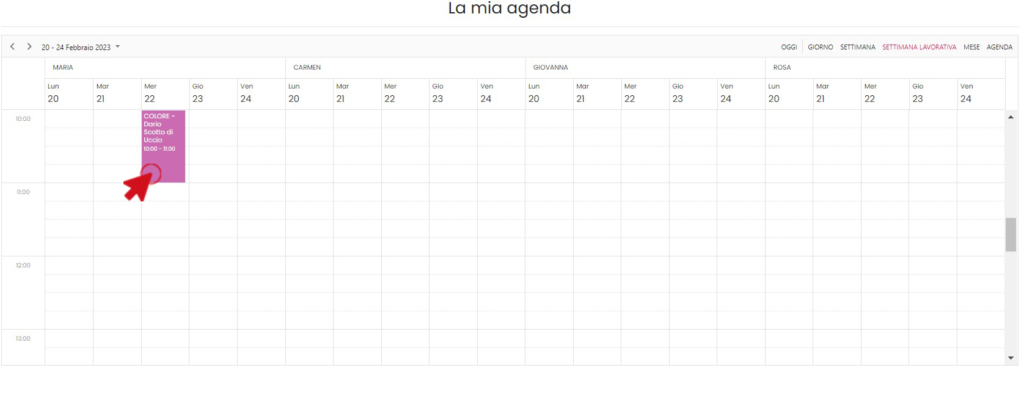
If a customer calls to avoid missing a reservation or to check its availability, you can create one directly in this section. Just double-click the row corresponding to the chosen time.
You can choose a customer already in your customer database by choosing “Customer” and selecting them from the drop-down window or by choosing “New Customer” and entering the relevant data:
Name
Surname
Email
Mobile
Another option could be that of the anonymous customer, in case all the customer’s information is not known or for any other reason.
Choose the “Service” you want to use, set the start and end times, the number of people (defined when creating the service) and assign it the station(s).